Audio Assistant
Record system audio and your microphone on Mac
Capture the sound your Mac plays, your microphone, or both at once. Save a mix and separate tracks as WAV or M4A files.
Free · macOS 14 or later · Mac App Store release pending
Setup and support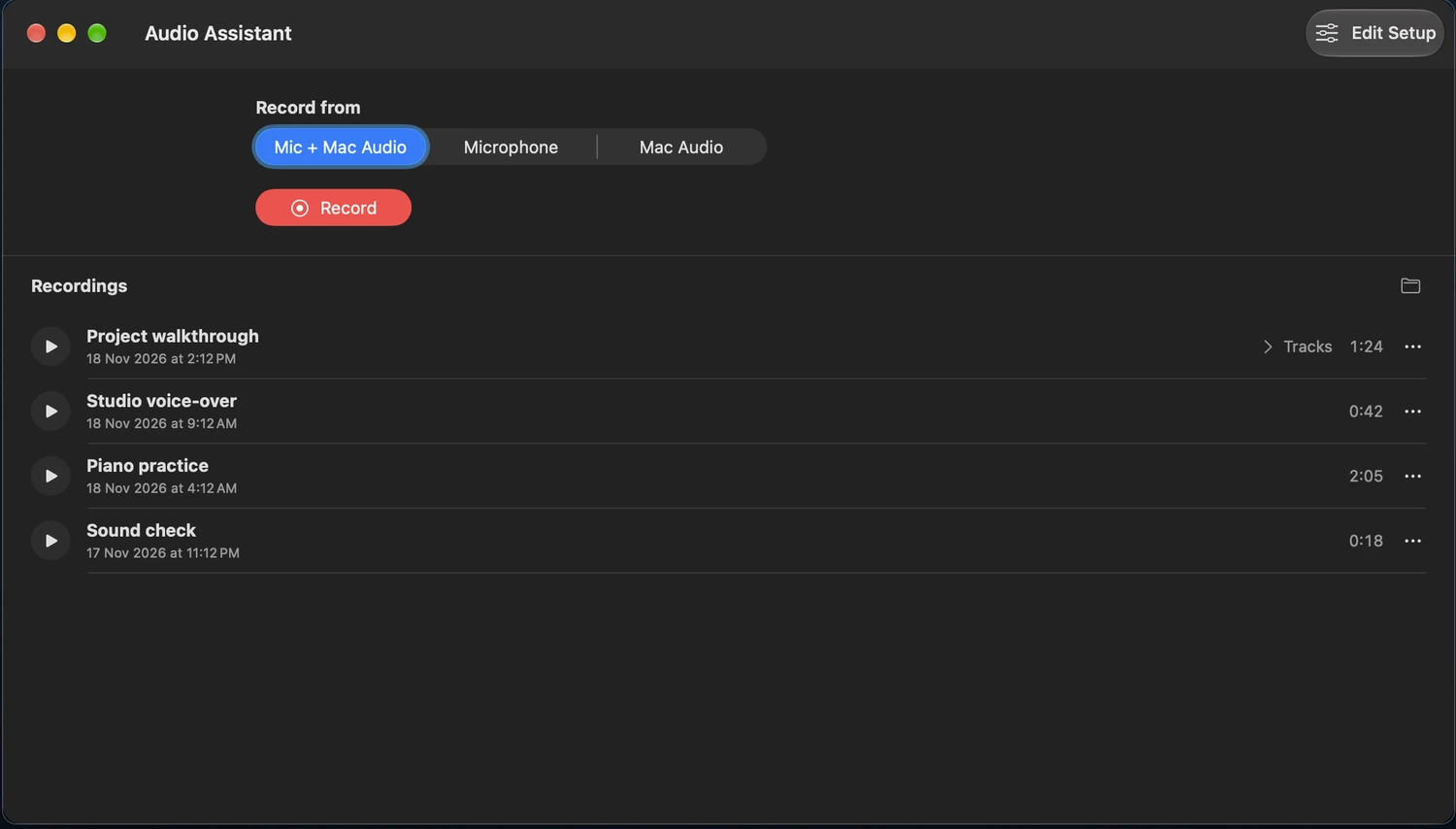
From recording to playback
Keep the sources separate
Capture both sides of a remote interview or record a voice-over alongside a walkthrough. Play the mix or edit the source files separately in your audio editor.
Review files on your Mac
Play recordings from the built-in library, jump to a point in a track, or save a copy to a folder you choose. Recordings stay on your Mac and recording needs no account.
Set up custom audio routing
Use Edit Setup to choose an input device, capture audio from a specific app, or route a source to a recorder or an output.